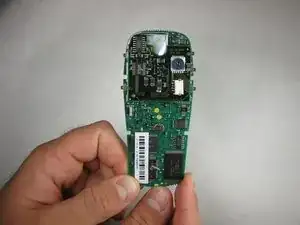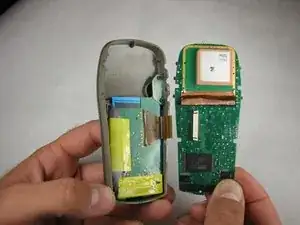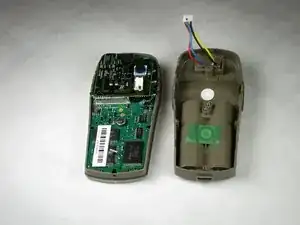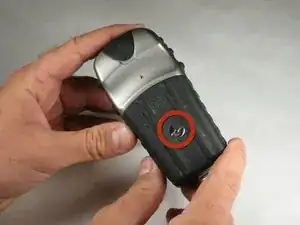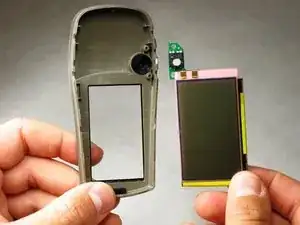
LCD screen
Estas son algunas de las herramientas comunes que se utilizaron para trabajar en este dispositivo. Es posible que no necesites todas las herramientas para cada procedimiento.
Track down a number of hardware problems using the Garmin eTrex Vista-H Troubleshooting Guide.
To upgrade your device purchase these simple applications.
*All other upgrades for this device can also be done through Garmin. [Upgrade!]
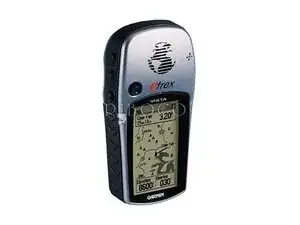
The Garmin eTrex Vista-H is one of five "Vista" models that Garmin has produced. As a result, it may be difficult to identify which device you have.
Things to look for:
Model Number: 010-00780-00
The Garmin company website has useful resources that will help if you can not find what you need here.