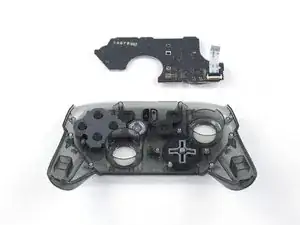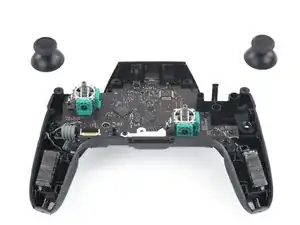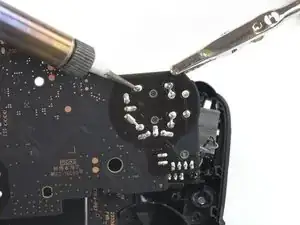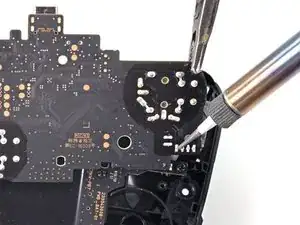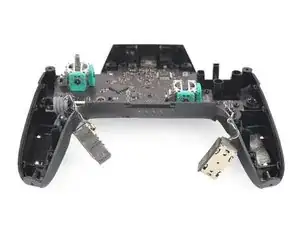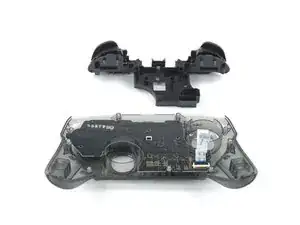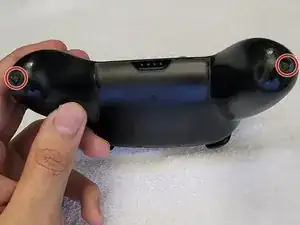
How to Eliminate Joystick Drift from a Nintendo Switch Pro Controller
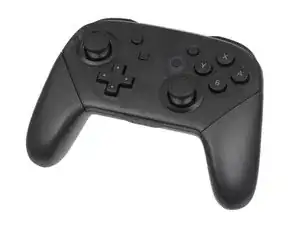
Estas son algunas de las herramientas comunes que se utilizaron para trabajar en este dispositivo. Es posible que no necesites todas las herramientas para cada procedimiento.
Read this troubleshooting guide for help.
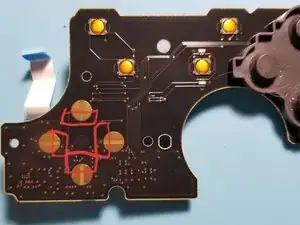
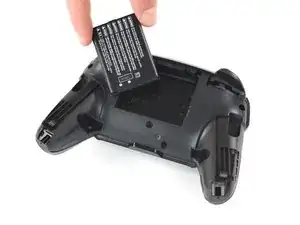
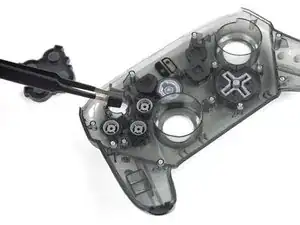
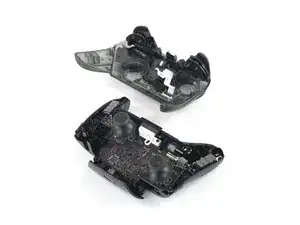
The Nintendo Switch Pro controller was unveiled with the Nintendo switch in 2016 and released in 2017. The Nintendo Switch is a video game console, with multiple controllers that can be paired, including the pro controller and basic Joy-con. The pro controller is different from the Joy-con in its wireless connection capability and more traditional design.
This controller is composed of 2 analog sticks, 2 digital shoulder buttons, 2 digital triggers, a digital D-pad, accelerometer, and a gyroscope. It is the eighth generation Nintendo controller and connects to the Nintendo Switch console via Bluetooth. The controller is charged through USB-C and takes about 6 hours to fully charge; A fully charged controller can last about 40 hours. These devices also feature motion controls, HD rumble, and built-in Amiibo functionality (a type of wireless connectivity).
The Nintendo switch pro controller is the most recently released controller of this style for the Nintendo Switch console.
Source: Nintendo Switch Pro Controller Specifications
For additional help in identifying and repairing the device, please reference the following sources:
-The official Nintendo of America controller troubleshooting page.