Introducción
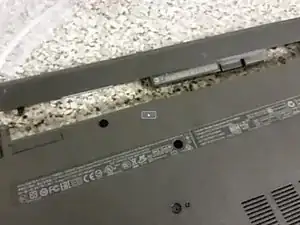
This guide teaches you how to replace the battery in an HP 15 Series laptop.
-
-
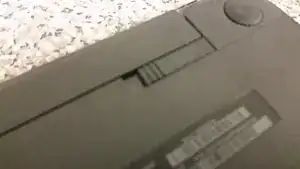
Move both tabs towards the center of the laptop. The battery will come out.
-
Putting in a new battery is as simple as sliding it back in the way the old one came out. You're done!
-
Conclusión
To reassemble your device, follow these instructions in reverse order.