Introducción
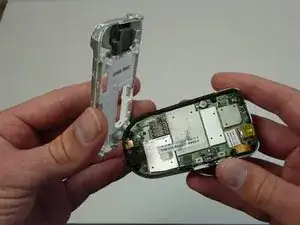
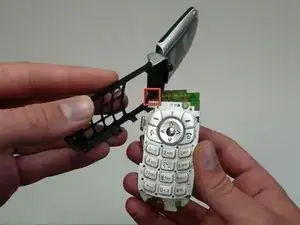
How to replace the keypad.
Herramientas


-
-
Completely power off the Motorola V180.
-
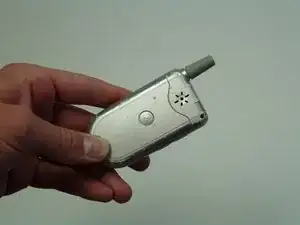
Flip the phone over to its back side.
-
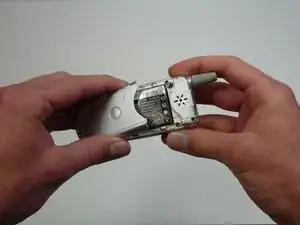
Press down the button and slide off the back cover.
-
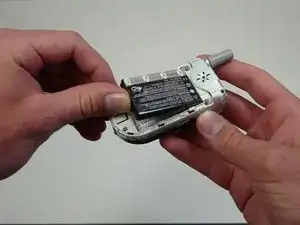
Remove the old battery.
-
-
-
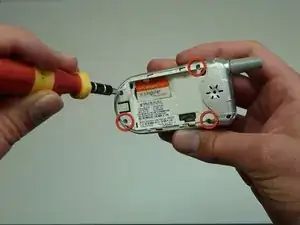
Locate the four screws on the back of the phone.
-
Using your T6 Torx Screwdriver, unscrew these screws.
-
Remove the SIM card located on the back of the phone.
-
Conclusión
To reassemble your device, follow these instructions in reverse order.
