Introducción
If your Nikon Coolpix S9050 is not turning on, the menu wheel and OK button may need to be replaced. The requirements for this procedure are to have a Phillips #000 screwdriver and a flat surface to disassemble the parts. Make sure the camera is off and it is recommended to work in a dry area.
Herramientas

-
-
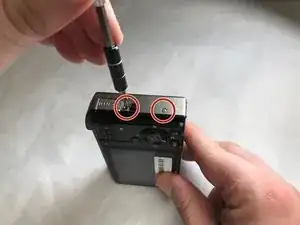
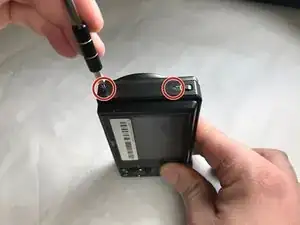
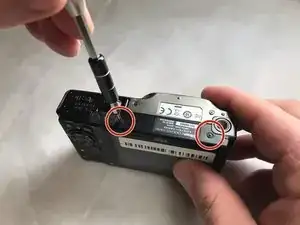
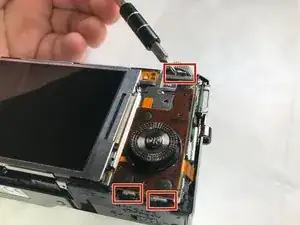
Remove the screws. There are two on each side, and four on the bottom. The black screws are 3.2 mm Phillips #000. The silver screws are also 3.2 mm Phillips #000.
-
-
-
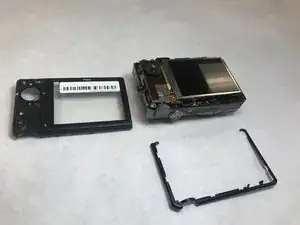
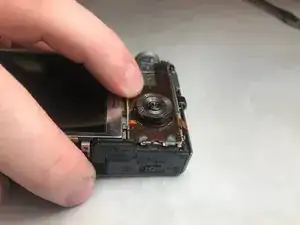
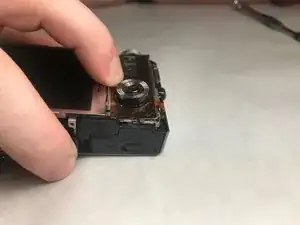
Press down and pull the Menu Wheel/OK Button panel towards the screen. This will release the panel from the slots.
-
-
-
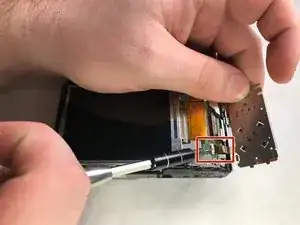
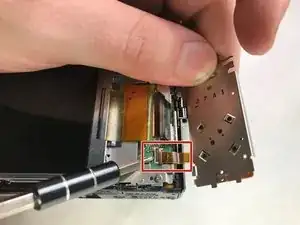
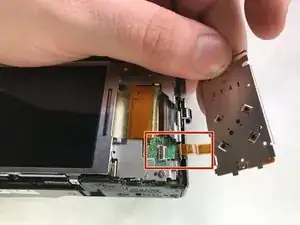
Lift up on the black plastic tab(zero insertion force connector-ZIF) and gently pull the panel out to detach the ribbon cable from the camera body.
-
To reassemble your device, follow these instructions in reverse order.
