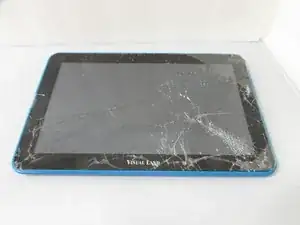
Introducción


-
-
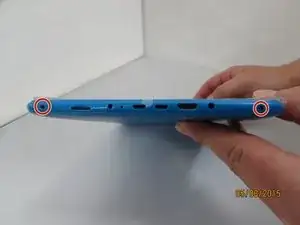
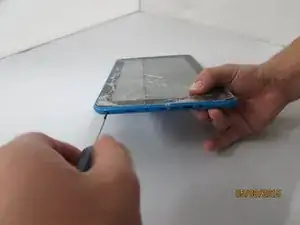
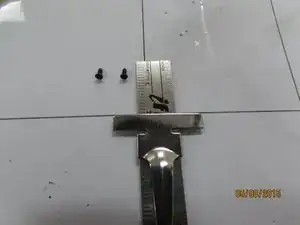
Remove the 3mm screws from bottom of tablet with the precision screwdriver and place on magnetic mat. label where they came from.
-
-
-
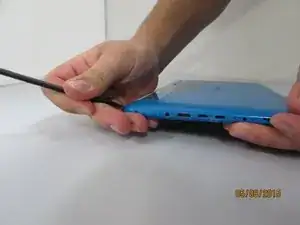
Using the spudger, create a small opening to be used to open the back case.
-
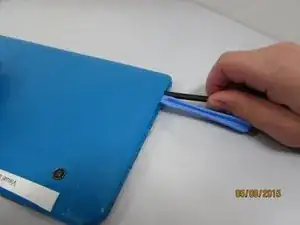
While holding the case open, insert the plastic opening tool to get a larger opening.
-
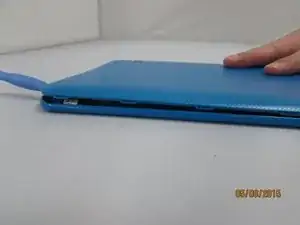
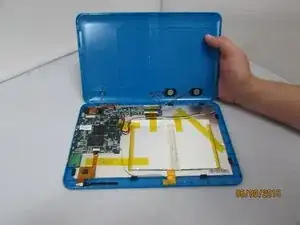
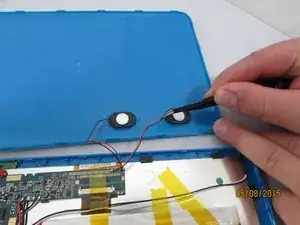
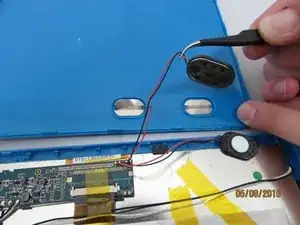
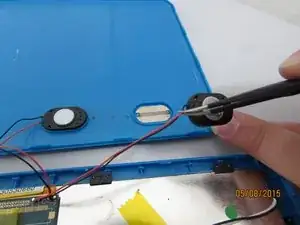
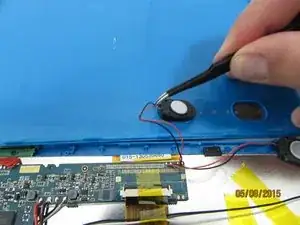
Once you have a slight opening, insert the spudger and work around the edges, separating the back plate from the front.
-
Conclusión
To reassemble your device, follow these instructions in reverse order.

Un comentario
Ok but where to I go to buy the replacement for the screen? This is directing us to take apart and reassemble the tablet, but not where to buy or get a new screen.