Introducción
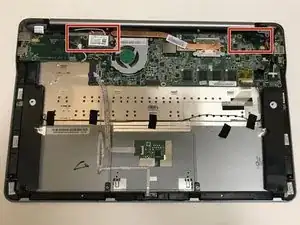
This guide will help users remove a broken Vizio CT15 display screen.
Herramientas


-
-
Turn the laptop off and remove all power cables.
-
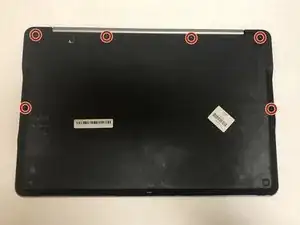
Remove the six Phillips #0 screws.
-
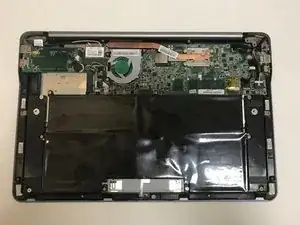
Pull the back cover off.
-
-
-
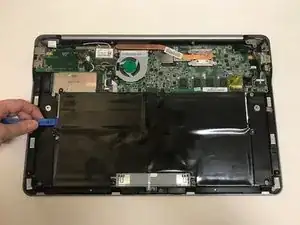
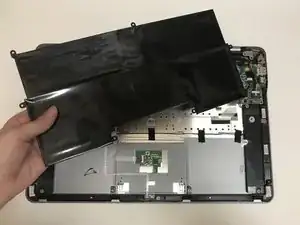
Use the plastic opening tool or your fingers to pry the battery up and pull it from the laptop.
-
-
-
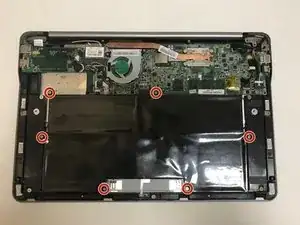
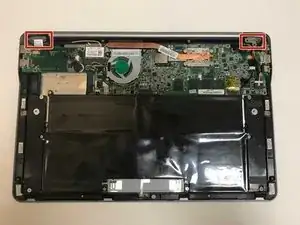
Remove the six Phillips #0 screws.
-
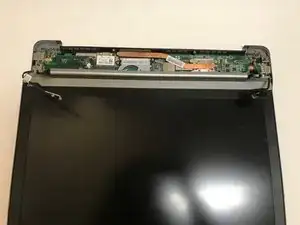
Disconnect the display from the laptop base by pulling the two apart from each other.
-
Conclusión
To reassemble your device, follow these instructions in reverse order.
